Software Selection & Tutorials
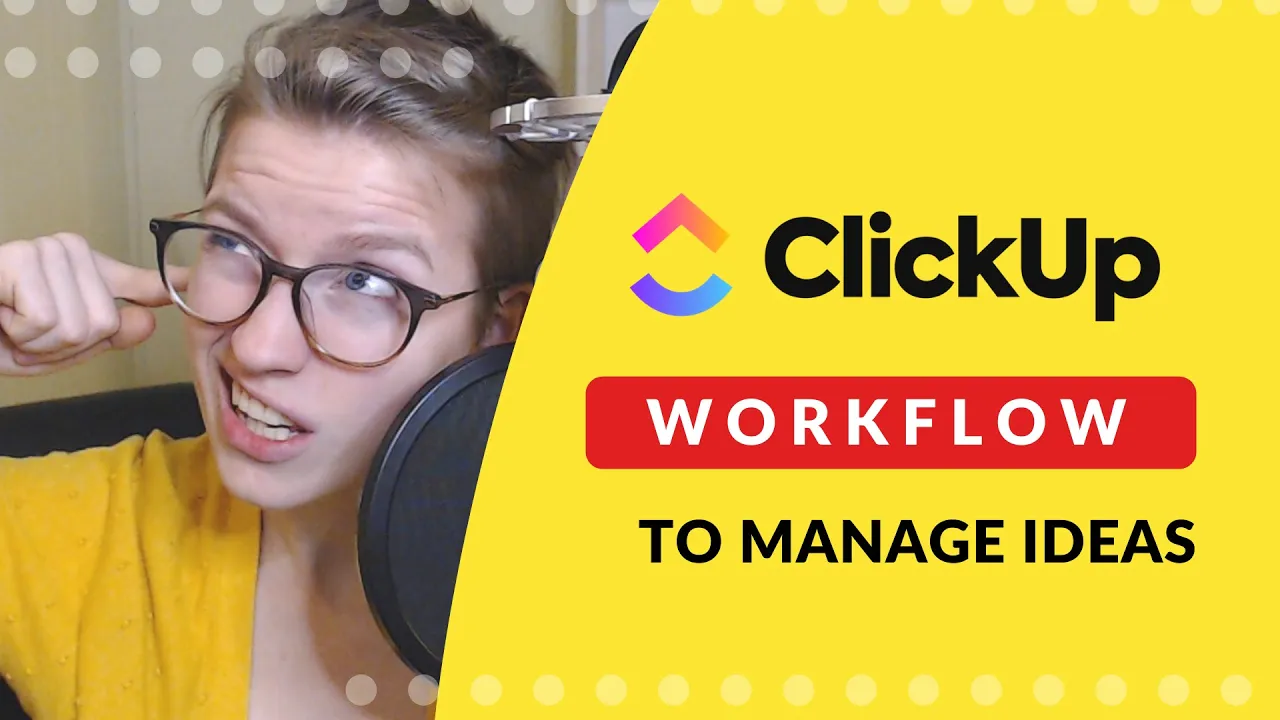
Tracking Ideas Vs Tasks in ClickUp | Behind-the-scenes Look + Bonus Tip About Using Automations
Starting projects and not finishing them? We go behind the scenes in our own business to show the simple split we use to keep ideas apart from today’s tasks.
Preview videos to writing?
Suggested next step
The Blueprint to Proactive Work
Layla's free 58-minute training that's transformed 2,100+ small teams from "hot mess express" to calm ops.
Find yourself easily distracted by starting projects....and not finishing them?
In this video I take you behind the scenes in my OWN business to talk about the super-simple division I use to separate my Ideas and brainstorming from the work I need to focus on right now.
In this video, I use the example of a Content Production process for this very YouTube Channel, but you can apply this to any area of your business where you're keeping track of ideas.
0:55 The statuses I use for content creation.
1:10 How I filter statuses to remove the "Idea" status.
1:21 Tip: I love to use "Idea" as your first Status type.
2:05 How I filter statuses to create an "Ideas" pinned View.
4:00 BONUS: Here's an example of how to use ClickUp automations and templates to push things even further.
Try ClickUp today! Here's my affiliate link: https://clickup.com/?fp_ref=0blc6
Suggested next step
The Blueprint to Proactive Work
Layla's free 58-minute training that's transformed 2,100+ small teams from "hot mess express" to calm ops.